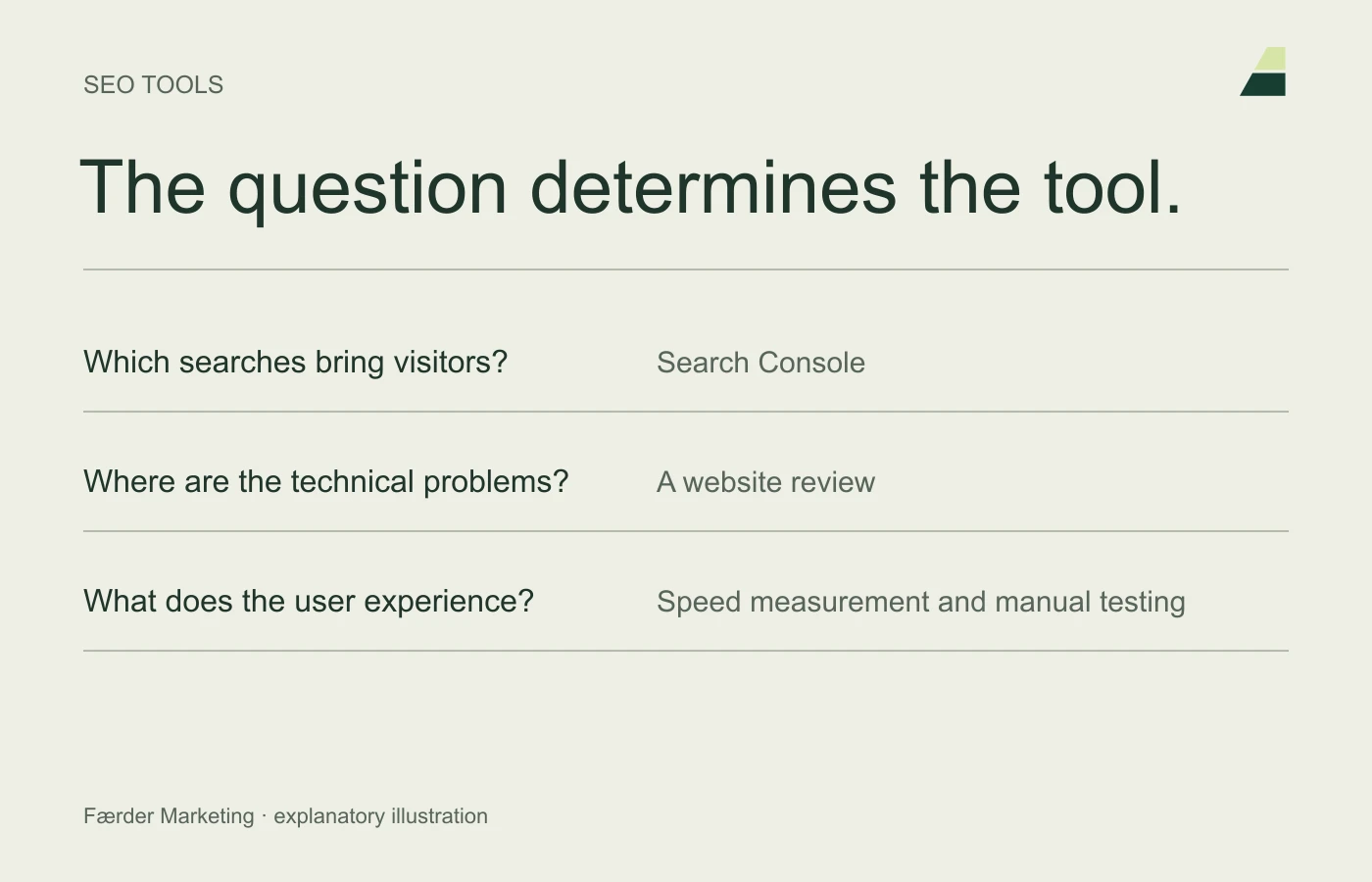
An SEO tool can find issues and show data. It cannot decide which customers to prioritise or whether content answers a difficult question well. Choose tools according to the task and consider findings in the context of the website.
The old list of ten extensions and services has been replaced with a more practical overview. You do not need ten tools to start, and security or caching plugins are not an SEO strategy in themselves.
Search Console: can Google find and show your pages?
Google Search Console provides information on indexing and visibility in Google Search. Use it to investigate important pages, queries, impressions and clicks. Also check whether a migration or incorrect noindex directive has affected access.
Start with the pages that matter most to the business. A low number of clicks can have several explanations: low demand, poor visibility, an irrelevant title or a search that does not match the offer. The report is a starting point for investigation, not a finished diagnosis.
PageSpeed Insights: what prevents a good user experience?
PageSpeed Insights provides performance information and suggestions for technical improvements. Distinguish laboratory tests from field data from actual users. The field data is described in Chrome UX Report, and may not be available for every page.
Prioritise noticeable problems: slow main content, images shifting the layout and slow responses to interactions. A high score should not take precedence over a clear, functioning page.
A crawler: where does the structure break down?
A tool such as Screaming Frog SEO Spider can examine links, response statuses and metadata across the website. This is especially useful for large sites or migrations.
Review broken links, redirect chains, incorrect canonicals and pages that are hard to find internally. Do not fix everything blindly because a tool flags it. An intentional redirect may be entirely appropriate.
Analysis and enquiry handling: what makes visits valuable?
Use suitable analytics to understand website use and compare it with actual enquiries. SEO reporting should explain whether the right audience finds relevant offers, rather than simply count all visits.
A lead report, CRM or a simple agreed receiving process can provide information search tools lack: whether an enquiry was suitable and what happened next. Read the guide to measuring results.
The browser and the expert are tools too
Open the page on mobile, try the keyboard and complete the form. Ask someone with subject expertise to check the content. Automated tools can miss both misleading explanations and a contact journey that feels difficult.
Finish with a prioritised task list containing findings, impact, owner and checks after correction. Use the four areas of SEO to keep an overview of the whole journey.