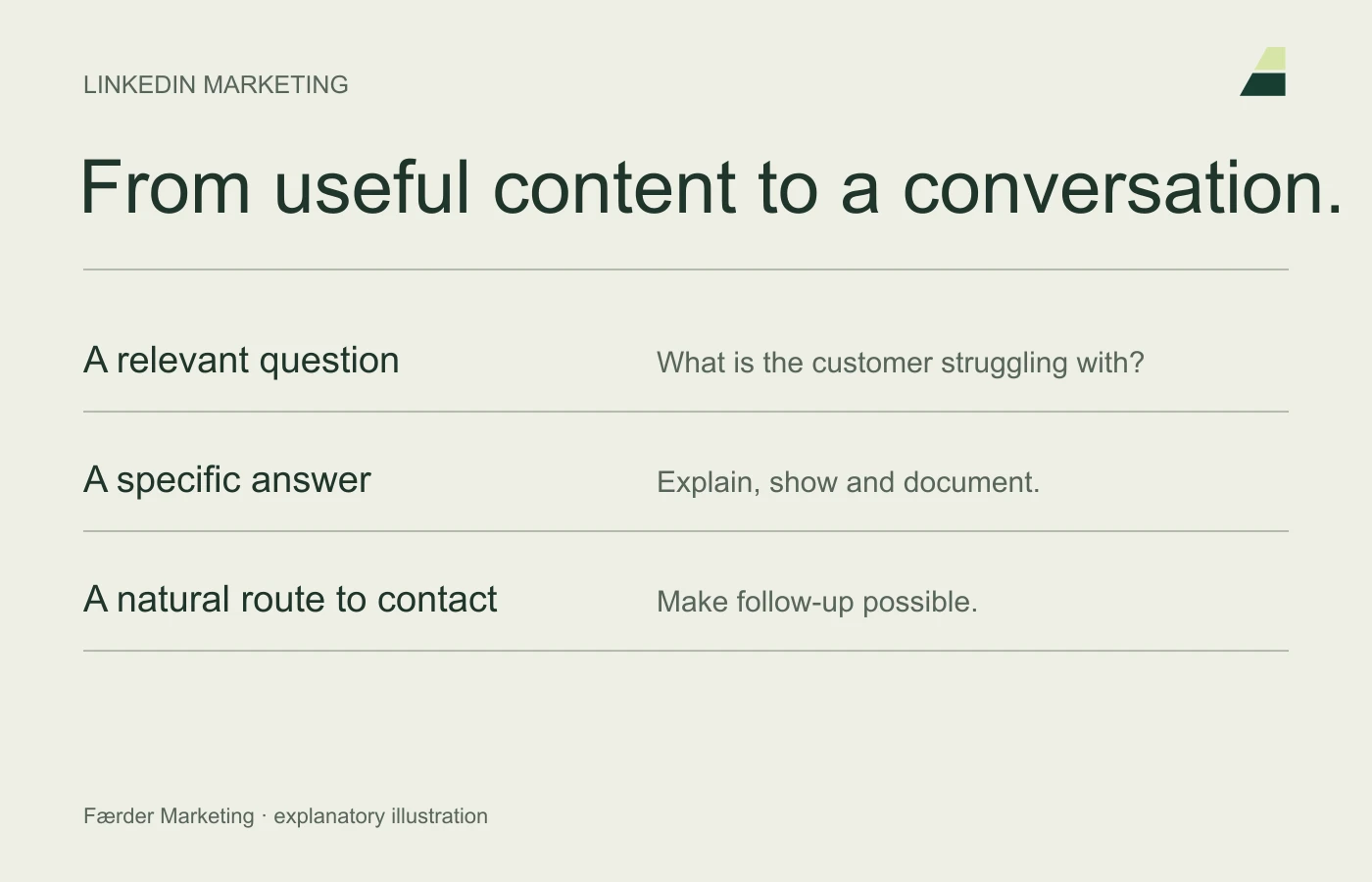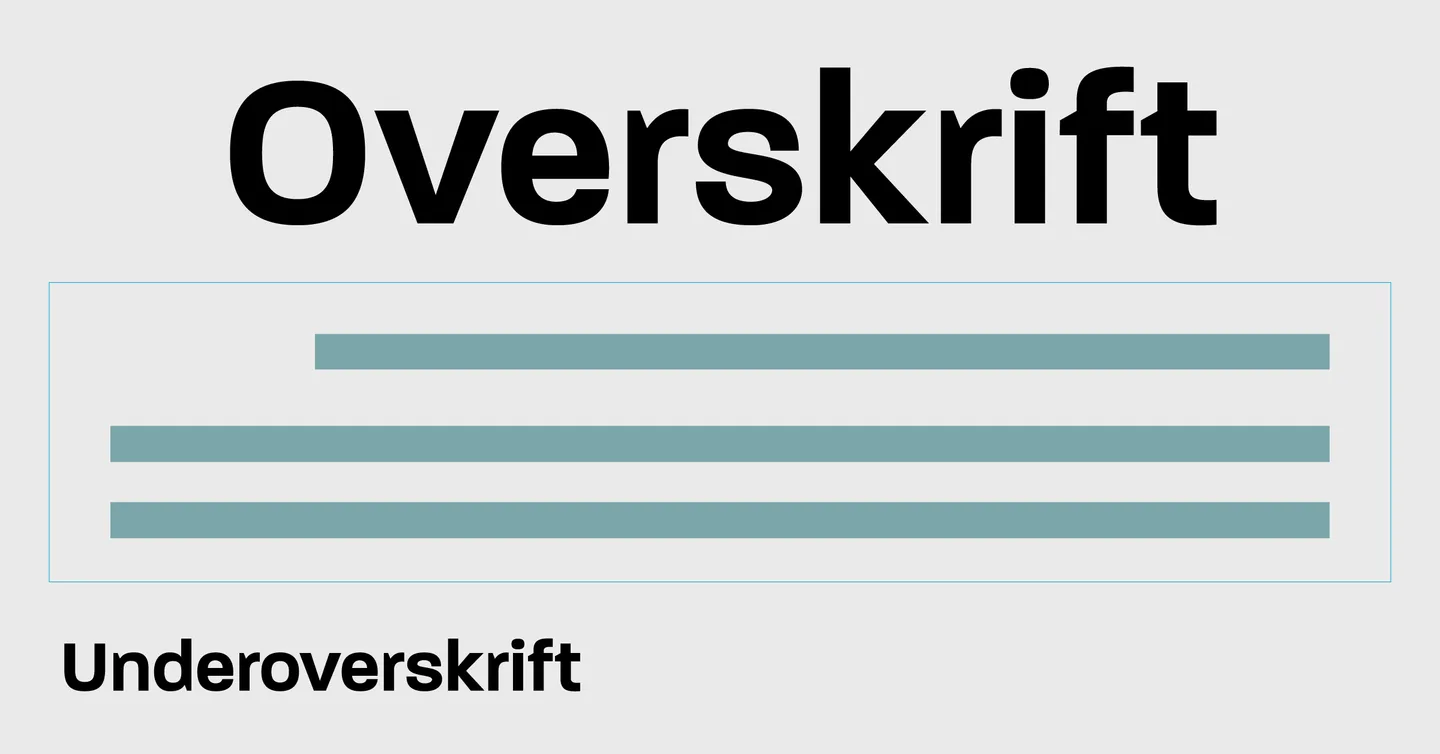
A good heading tells readers what they can find out. It should make choosing and understanding easier, rather than merely spark curiosity. When a heading promises more than the text delivers, the rest of the page becomes harder to trust.
Start with the purpose of the content. What should the person understand or be able to do after reading? That answer is often a better starting point than a list of words intended to generate more clicks.
Distinguish the page title from the visible heading
The page title sits in the page metadata and may appear as the title link in search. The visible main heading greets the reader on the page. They can differ, but should describe the same topic and set the same expectations.
Google describes how title links are created, including the title element and visible headings. You can influence the text, but cannot guarantee exactly what appears. Nor is there a fixed character limit that suits every display.
Use the customer’s language
Choose the words your audience uses for the problem or service. Explain technical terms when necessary. Avoid stacking several nearly identical keywords into one heading.
A hypothetical example is changing ‘Digital solutions for tomorrow’s businesses’ to ‘Websites for businesses that need more relevant enquiries’. The second version defines both the service and need, provided that is what the page covers.
Use numbers and years only when they help
A five-point list can be clear, but the number must fit the content. Do not add weak points to reach a round number. Use a year when the period is part of the subject, such as a specific report.
An evergreen guide rarely needs the current year in its title. Show an actual update date when the content has been substantially revised. Do not change the date simply to suggest freshness.
Let subheadings carry the structure
Read only the article’s headings. Do they explain each section’s contribution? ‘Check the form on mobile’ is often more useful than ‘Important to remember’.
Use a logical heading hierarchy; do not choose levels solely for their font size. Subheadings should help readers and assistive technology understand the structure.
Test accuracy before testing clicks
Ask someone in the target audience to read the title and explain what they expect. Compare that expectation with the text. This simple check can reveal ambiguity before publication.
When evaluating search CTR, also consider the queries where the page appears and its position. More clicks are not necessarily better if they come from people with the wrong needs. Read the blogging guide for the process from topic selection to maintenance.