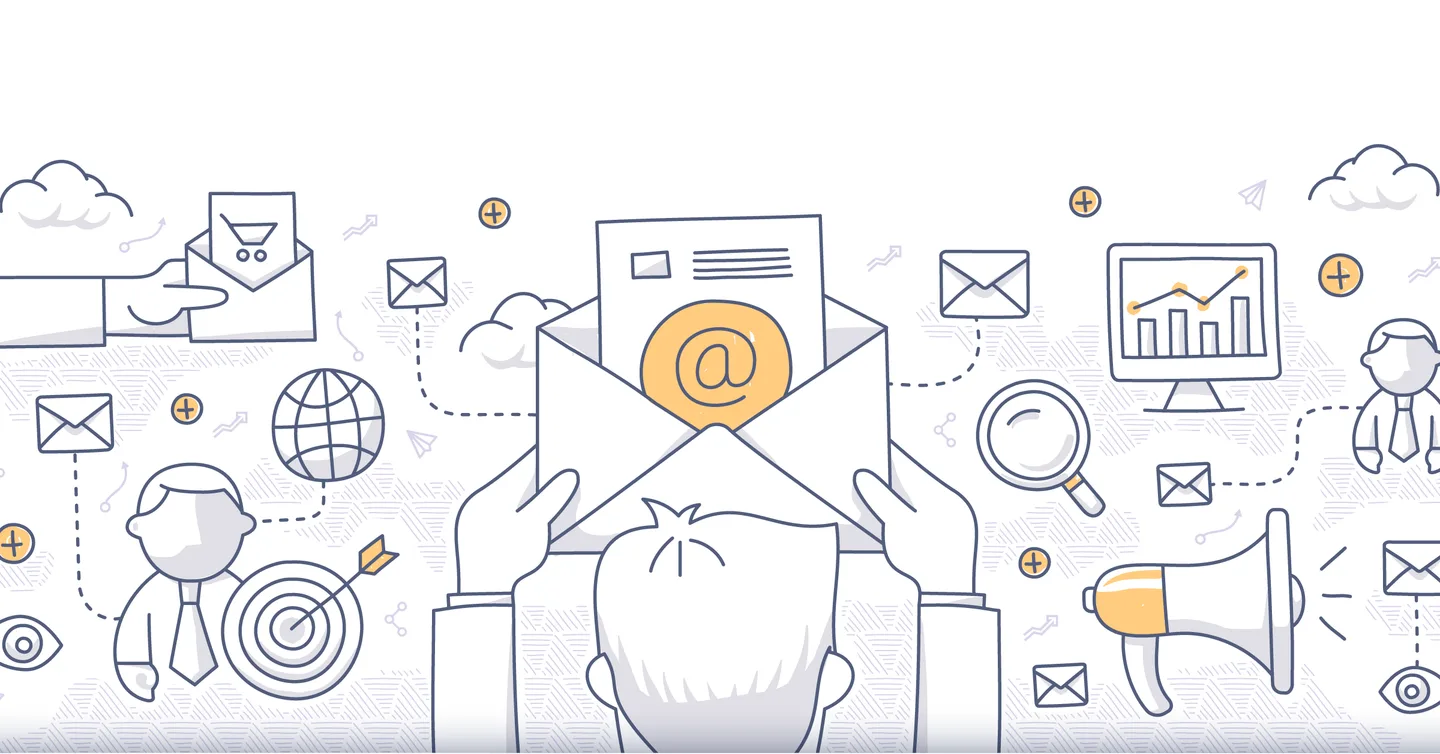
Email is useful when you have something relevant to send to people who expect to hear from you. A large mailing list is not a goal in itself. Start with what the recipient needs help with and how you will manage the subscription.
This guide brings together our earlier email advice, including the 2018 article. Old free-plan limits and generic return promises have been replaced with a process you can check.
1. Establish whom you can email
The general rule for email marketing to individuals is prior consent. The existing-customer exception has specific conditions and is not blanket permission. See Norwegian Consumer Authority guidance, updated in May 2026.
2. Explain what subscribing means
Describe the sender, content type and expected frequency before subscription. Keep a quote request separate from a subscription. A clear form prevents misunderstandings later.
3. Document the subscription
Keep the necessary evidence of what the person agreed to and when. Confirmed sign-up can reduce incorrect addresses and registrations made by others. It is a practical quality check, not a substitute for a sound consent setup.
4. Make unsubscribing easy
Test the unsubscribe link, including on mobile. Check that unsubscribing actually stops emails in the systems you use. A person should not have to contact a salesperson to stop receiving newsletters.
5. Use a recognisable sender
Use the name and reply address to make the sender clear. Follow up replies. Do not create a personal wrapper suggesting an individual conversation when the message is a bulk email.
6. Check the domain and delivery
Ensure correct email authentication and configuration with your provider. Gmail’s sender requirements describes SPF, DKIM and DMARC, with stricter requirements for bulk senders. Ask the technical owner to confirm the setup and try an actual test delivery.
7. Give each email one main purpose
Choose one central message and a natural next step. Recipients should understand the value without opening five links. Address different needs in relevant emails instead of sending everything to everyone.
8. Write honestly and clearly
Subject lines and preview text should describe the content. Avoid fake reply prefixes, invented urgency and promises the content does not fulfil. Use short paragraphs, readable buttons and descriptive link text. See the subject line guide.
9. Test content and technical setup before sending
Check recipients, dates, prices, personalisation fields and links. Open the test with and without images. Make sure a missing first name does not create an awkward greeting and the message remains clear in a narrow window.
10. Measure what happens next
Opens and clicks can be affected by automated security checks and privacy features, as Mailchimp explains. Also look at replies, relevant visits, sales, unsubscribes and delivery failures. Compare periods using the same filtering.
Choose tools according to need and total cost. Mailchimp’s plan overview shows that features and limits depend on the subscription; old claims about 2,000 free contacts should not inform a purchasing decision.