An audience in Google Analytics 4 is a group of users meeting specified conditions. It can help you examine, for example, people who viewed a service page or made a purchase. Advertising use also requires the right setup and basis.
This guide replaces the old instructions for Universal Analytics. Menus such as ‘Audience Definitions’ from that version should not be used as GA4 guidance.
Decide what you want the audience to respond to
Write down the purpose before opening the builder. For example, you might investigate whether people who view a particular service page later send a relevant enquiry. Another purpose is comparing new and existing buyers.
Do not build an audience simply because the data is available. Small groups may be unhelpful, and visits to pages concerning sensitive matters require particular care.
Check data and access
Confirm that pages and events are recorded correctly, and that names, email addresses and free-text form content are not sent to standard Analytics events. An audience is only as good as the data behind it.
Google’s current guidance states that creating one requires the Marketer role or higher in the property. Check that you are working in the correct GA4 property before saving anything.
Create and describe the audience
Go to Admin, then Data display and Audiences, and select New audience. You can start with a suggestion, a template or custom conditions. In a Norwegian account, the labels may appear as Administrator, Datavisning, Målgrupper and Ny målgruppe.
Name the audience to describe its content and duration. Check inclusion criteria, exclusions and whether conditions apply within one event, one session or across sessions. Choose a membership duration suited to the purpose. Google documents these choices in the audience builder.
Use an example you can verify
Suppose you want to investigate visits to a service page. Check the page path actually sent to Analytics and use it as the condition. Visit the page with a suitable test setup and verify the recording before basing reports on it.
Avoid unnecessarily complex conditions. An audience requiring several actions you barely record may end up empty and teach you little.
Distinguish a target audience from a historical segment
A new audience does not fully reconstruct every user who previously met its criteria. Population and availability in advertising products follow specific rules. Use exploration segments when analysing a historical period, and check that the dimensions fit.
Google’s introduction to audiences explains the difference between audiences and segments. Counts in Analytics and Google Ads may also differ.
Check before advertising use
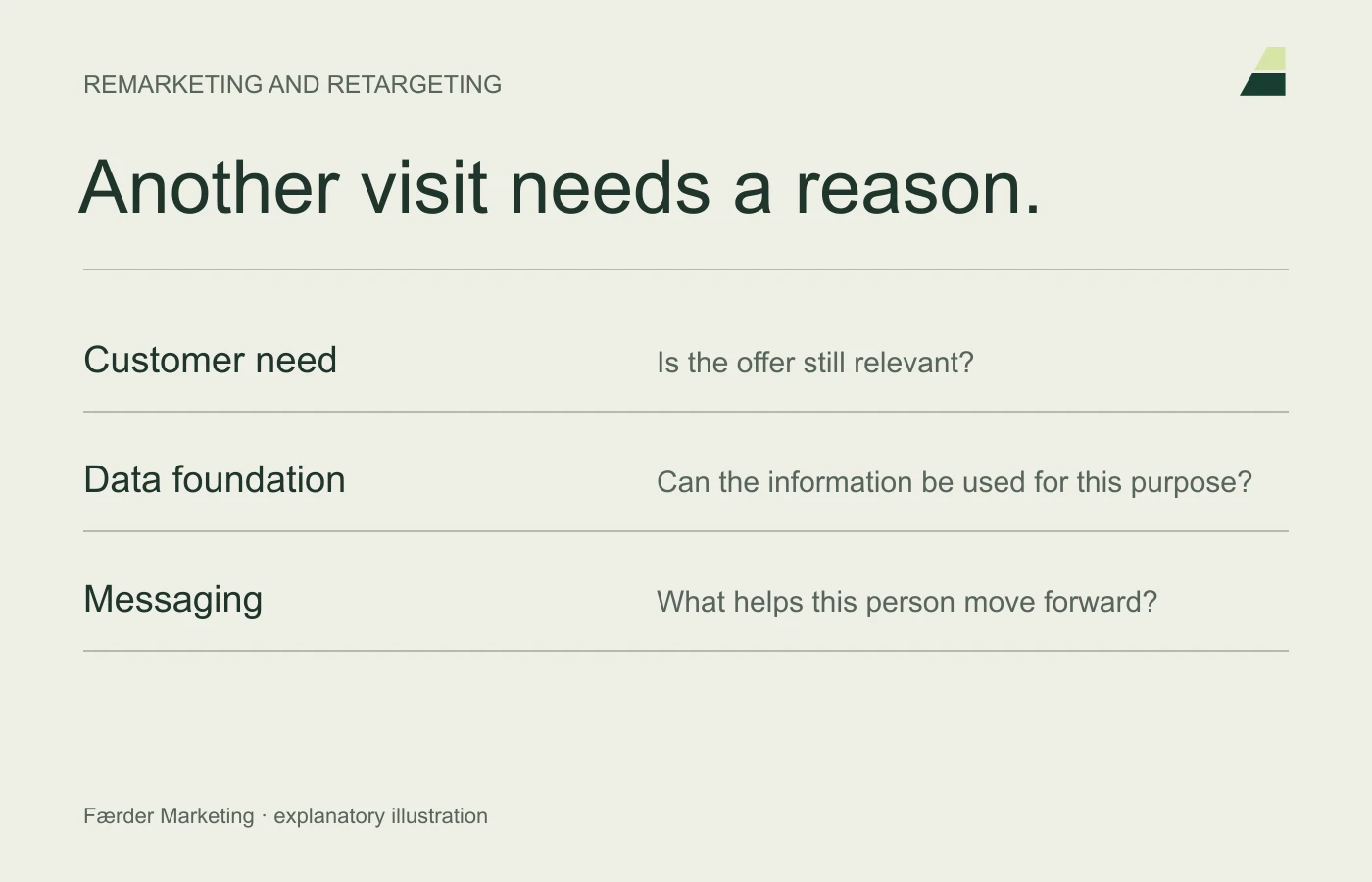
Linking to Google Ads is a separate decision. Assess consent, ad personalisation and platform policies before using an audience. A technically available list is not automatically a lawful or useful advertising audience.
Document the setup and assess whether the group answers your original question. Read the remarketing guide if ad follow-up is the next step.