
A website built with AI can be safe to use, but the tool that wrote the code is no security guarantee. What matters is the data the solution handles, who can access it, and how development and operations are managed. A polished demonstration reveals only a small part of this.
You do not need to be a developer to ask useful questions. Request specific explanations and demonstrations related to your solution. A simple information website, an online shop and a customer portal have different needs and should be assessed accordingly.
Distinguish between AI that builds and AI that processes customer data
ChatGPT, Claude or another AI tool can help develop code without being part of the finished solution. One important consideration is then what gets shared during development: requirements, source code, screenshots and sample data. Customer lists, passwords and confidential information should not be added to a conversation without proper consideration.
If the website itself includes an AI chat, summarises customer conversations or analyses uploaded documents, that creates another data flow. You need to map what is sent where, who can access it, and how information is stored and deleted. Account type, settings and agreements need individual assessment. Assuming that all AI services handle data in the same way is insufficient.
A practical starting point is to use fictional sample data during development and share only what the task requires. If the solution needs personal information or confidential material, the conditions for using it need to be agreed first.
Signing in must lead to the right level of access
Requiring users to sign in does not, by itself, determine which information they can retrieve. A customer should only access information they are entitled to see. Hiding a browser button does not protect data that can still be retrieved directly from the system.
Access must be checked where data is handled. OWASP recommends validating permissions on every request and denying access by default. See its guidance on authorisation.
Consider a hypothetical portal where customers view their quotations. Ask the supplier to test two separate customer accounts and a staff role. Customer A should not be able to read customer B’s quotation, including by changing a URL or reusing a link. When a staff member’s access is removed, it should stop working in practice. Use fictional quotations in the demonstration.
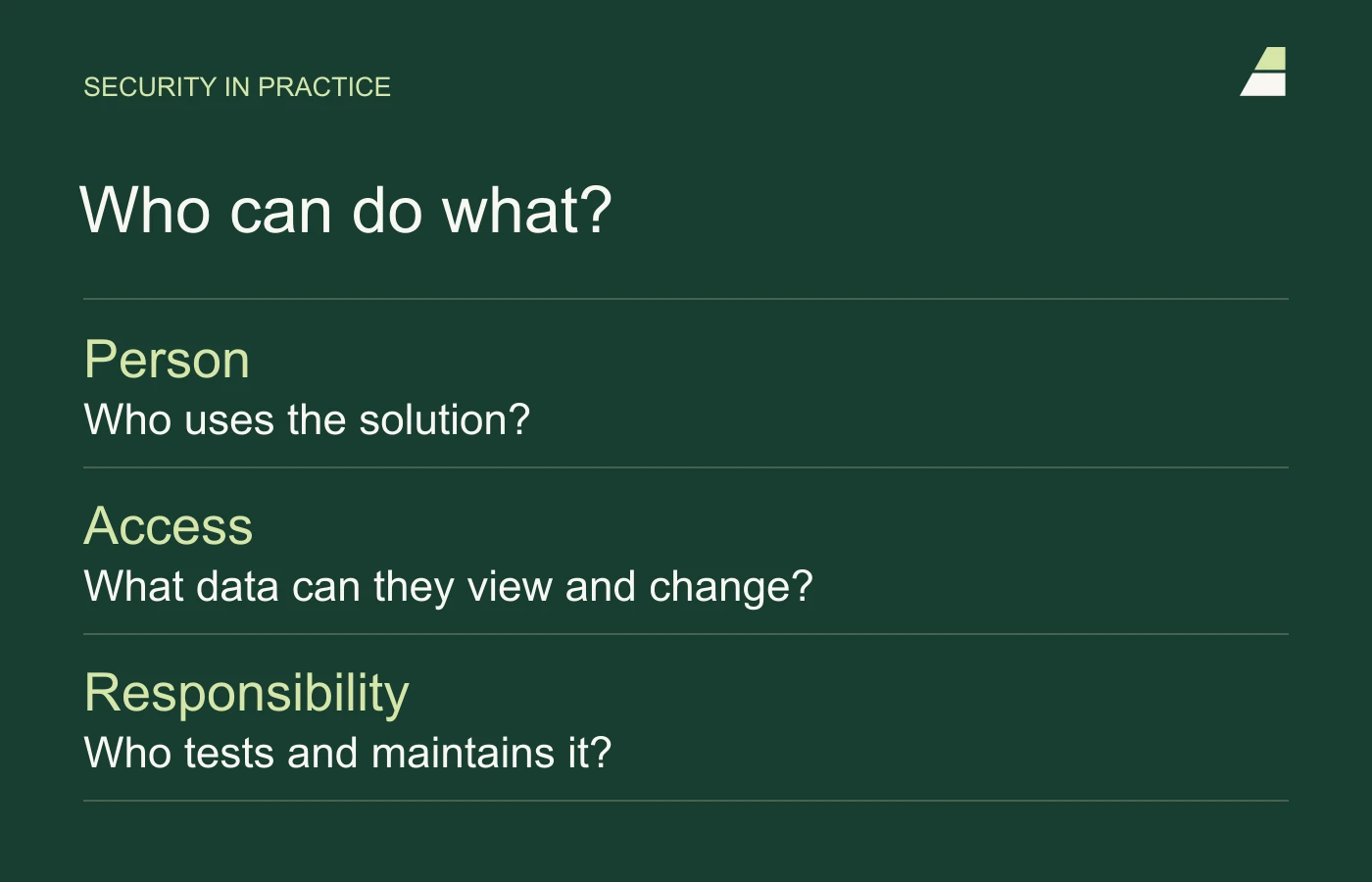
Passwords and secret keys must stay out of public code
Some integrations use secret keys to send email, retrieve data or perform payments. These keys must be treated as access to the service. They should not be included in code sent to visitors’ browsers or in a public code repository.
Ask where secrets are stored, who can use them and how they are replaced if exposed. Some services also have public identifiers intended for browser use; the supplier should be able to distinguish these from secret keys. OWASP’s secrets management guidance describes principles for access and handling throughout their lifecycle.
A security scan is one checkpoint
Automated tools can identify known vulnerabilities, suspicious patterns and configuration errors. They do not necessarily understand the business rules: who qualifies for a discount, when an order should count as paid, or which information a partner should be allowed to see.
Lovable describes its own security checks, while stressing that they do not replace a thorough review. Responsibility needs to reflect the use case. See Lovable’s security documentation. The same practical question applies whatever the tool: which failures have actually been tested in this solution?
Ask for tests of interrupted or repeated actions. What happens if an order is submitted twice, a payment is declined or the connection to accounting stops? For solutions involving sensitive data or serious consequences from failure, consider a dedicated security review.
The shop’s rules must be checked on the server
In a custom online shop, the server must check prices, discounts and valid product options. The customer’s browser can display the calculation, but it must not determine the amount actually charged. The order must retain the agreed price and product choices, even if the product changes later.
Test what happens when two customers order the last item at the same time, and when the same payment notification arrives more than once. A repeated notification must not create an extra order or duplicate delivery. Staff need a traceable status and a way to handle exceptions. See OWASP’s guidance on business logic security.
A static website still needs operational responsibility
A static Astro website can serve ready-made pages without a content system having to build them for each visit. This can reduce parts of the attack surface. Overall risk still depends on the rest of the setup: forms, files, third-party scripts, servers, accounts and the tools used to publish the website.
On our own website, we have retained some WordPress functions behind the Astro frontend. They still need updates and attention. Changing technology does not remove responsibility for maintaining the components that remain in use.
Agree what happens when something goes wrong
A backup is most valuable when someone knows it can be restored. Agree what is backed up: code, databases, uploaded files and essential settings. Source-code version history does not replace backups of customer information or orders.
PostgreSQL is a database, while Supabase provides a platform that includes PostgreSQL, authentication and file storage. A managed service takes on some operational tasks, but you still need appropriate access rules and a recovery plan. For example, Supabase states that database backups do not include the files in Storage. Images and documents therefore need their own backup arrangements. See Supabase’s backup documentation.
The agreement should also state who receives error alerts, who can restore a previous version and how long the business can manage without the system. Ask for a restoration in a test environment. That makes the difference between a stored copy and a workable recovery plan clear.
Ask for these answers before launch
- What data is collected, and which services receive it?
- Who can read, change and delete the information?
- Which critical actions and failure scenarios have been tested?
- How are updates, backups and recovery handled?
- Who is responsible after launch, and how do you get help?
Use the answers when choosing a supplier and maintenance agreement. For the background to our approach, read why we build more with Astro and AI. If you are choosing a new solution, the customer journey guide provides a useful project brief.