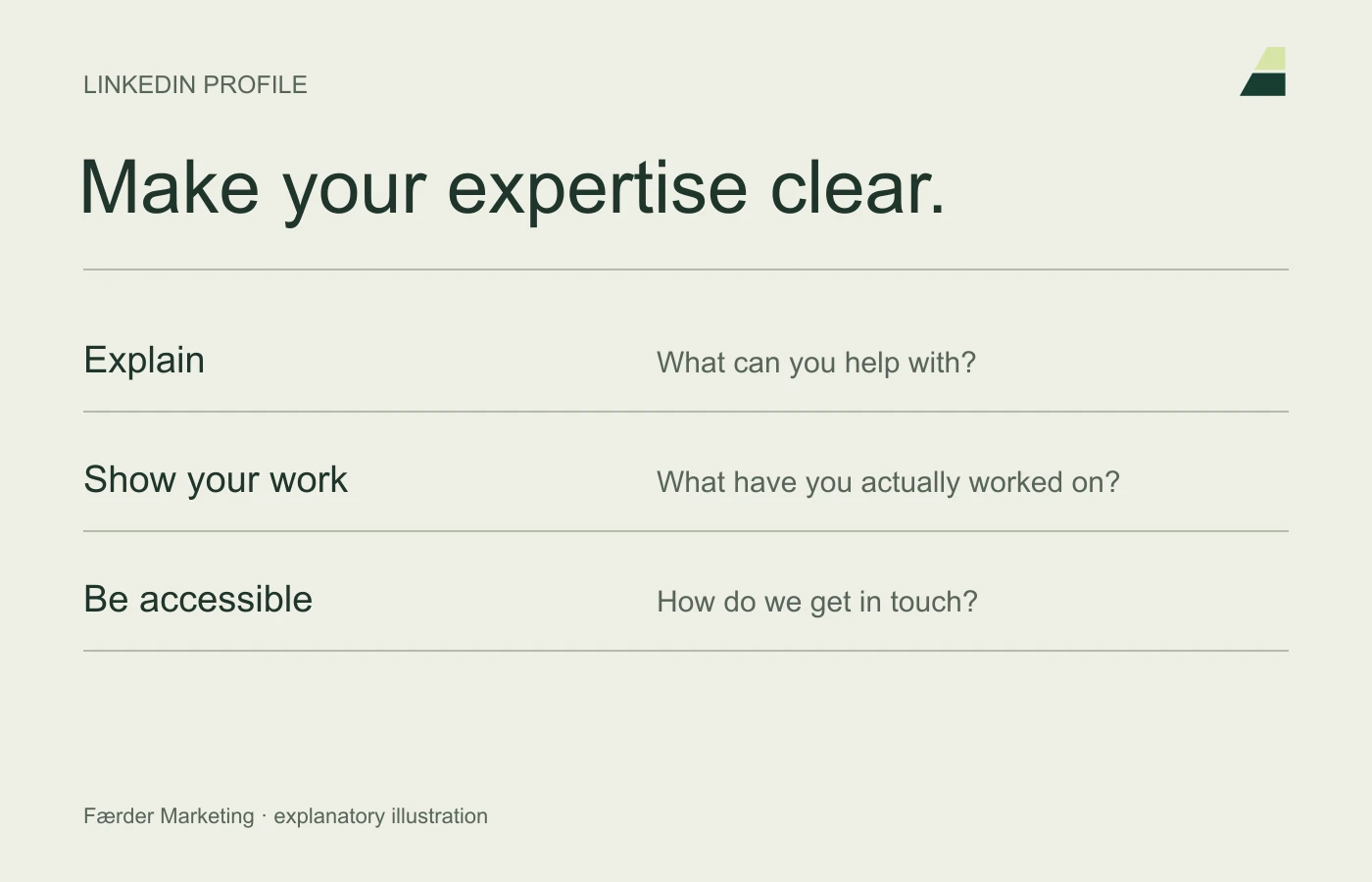
A good LinkedIn profile makes it easy to understand your work, whom you help and why your experience matters. The goal is not a particular profile score. ‘All Star’ and similar interface labels say less about quality than whether a visitor actually understands your offer.
Use LinkedIn’s profile guidance for the features, and these seven points for the content itself.
1. Use a recognisable photo
Choose a clear photograph of yourself that reflects how you want to meet customers. Make sure your face remains recognisable in a small crop. A background image can support your field of expertise, but should not be filled with text that becomes unreadable on mobile.
2. Explain the role in plain language
The profile headline should explain your contribution. ‘Helping businesses with websites and enquiry follow-up’ is more informative than generic buzzwords. Include relevant terminology customers use without stacking keywords.
3. Write a short, specific introduction
Explain whom you work with, which problems you solve and how you work. Describe boundaries when they help the right customer choose. You do not need to present yourself as an expert in everything.
A useful test is whether someone outside the industry can explain what you do after reading the introduction.
4. Connect experience to tasks
Under previous and current roles, describe responsibilities and relevant work. Use documented results with a period and explanation where available. Avoid claiming the entire effect of a project if several factors contributed.
5. Show examples you can stand behind
Show published work, expert articles or presentations when you have the right to do so. Describe a system project through its task and solution without showing private screens or customer data.
Choose a few good examples and explain your role. Visitors should not have to guess what you actually did.
6. Keep skills and affiliations up to date
Check roles, education, certifications and company links. Describe historical certifications or partnerships as historical when they do not establish current status. Recommendations should come from real people who know the work.
7. Make contact easy and relevant
Make contact details and links lead somewhere you follow up. Adjust visibility to what you want public. Read the profile on mobile and as a visitor without your background knowledge.
Review the profile when your role or offer changes. It should support the LinkedIn work, so posts, experience and contact details tell the same story.