A downloadable resource should help recipients with a specific task. A checklist before ordering, a worksheet or a short expert guide can be useful. A long ebook is not automatically more valuable than a good, openly accessible webpage.
Start with what the customer should be able to do afterwards. If you cannot describe that precisely, it is too early to choose a format or build the form.
Find a task worth helping with
Use customer questions and experience from delivery. Which preparations improve a project? What information should customers collect? Which choices need an overview?
A website checklist can help customers clarify goals, content and responsibilities before requesting a quote. It should also be useful if they choose another provider. That makes the resource easier to trust.
Choose a usable format
A task may suit a template, a process a checklist, and a visual explanation images or video. Ensure readable text, clear headings and working links. Test on mobile and in the format the recipient actually receives.
Avoid large decorative images that make a document heavy without explaining anything. Clearly label example data and illustrations, and cite sources for advice based on external rules or platform features.
Consider whether the content should sit behind a form
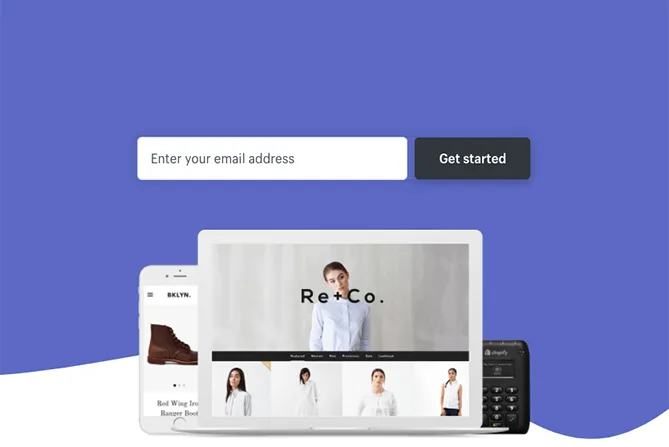
A form may be needed for delivery or agreed follow-up, but it also creates friction. Consider letting customers read the resource directly. You can still offer a relevant conversation afterwards.
If you ask for an email address, explain why. Access to a resource and subscribing to marketing are different purposes. Use the privacy guide when planning the workflow.
Describe the resource before download
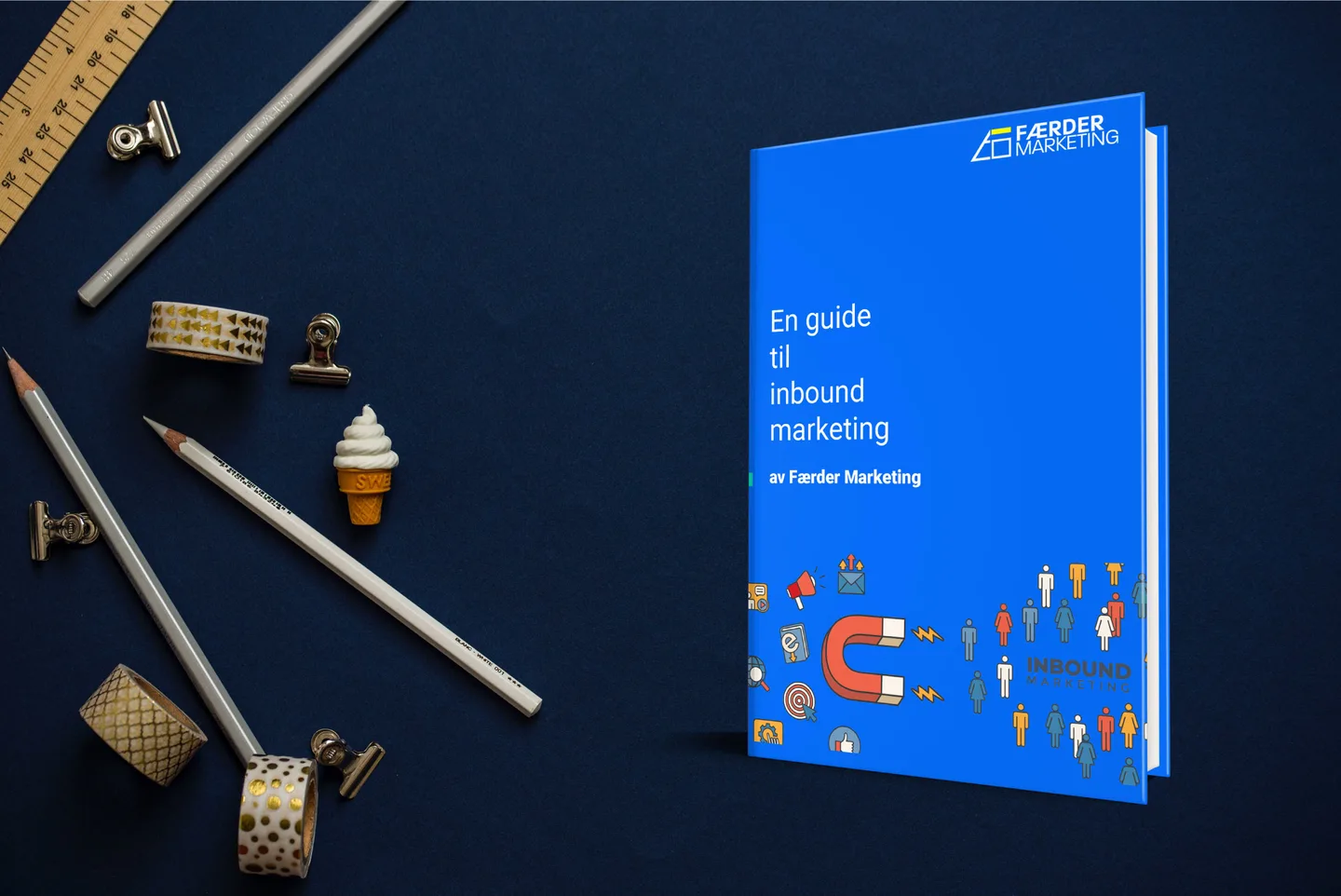
Show who it is for, what it contains and what it does not cover. A preview of actual pages may be more useful than a generic book image. Make sure the title and description match the file.
Remove tired promises such as ‘everything you need’ if the resource only offers an introduction. Let recipients judge its relevance.
Match enquiry handling to the interest
Someone downloading a checklist is not automatically ready for sales. If you offer further contact, make clear what the person is requesting. A delivery message should be simple, with a working link and a way to report problems.
Check fields, error messages and confirmation against W3C's form guidance. Test the whole delivery, including when the recipient has declined optional tracking tools.
Consider use and maintenance
Assess relevant feedback, conversations and whether the content remains accurate. Download counts alone say little about usefulness. Assign a reviewer for changes in prices, rules or platforms.
See our checklist before building a new website as an example of a focused task with a natural next step.