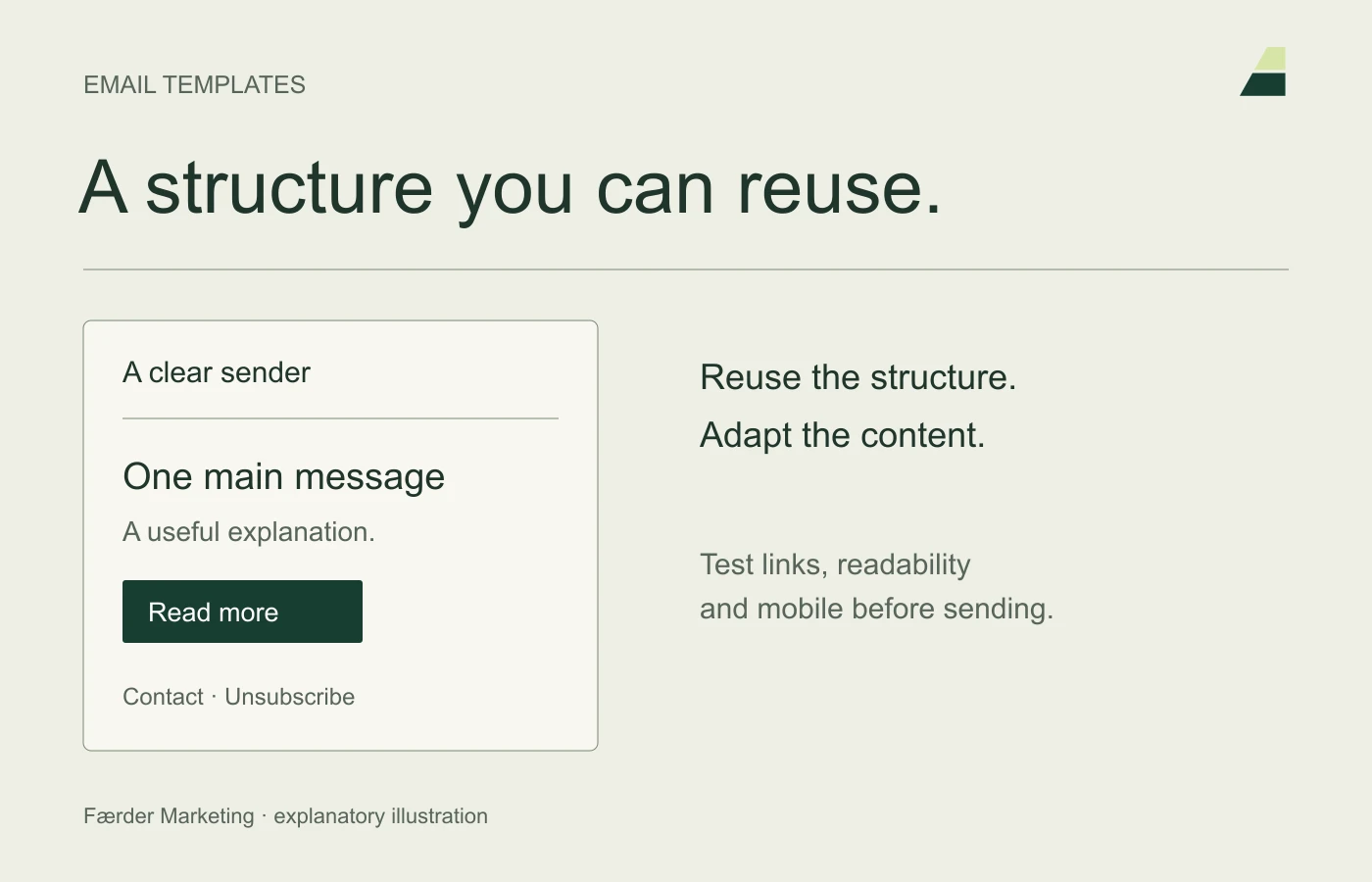
A good email template makes it easier to send a clear message without redesigning everything. It should accommodate a specific message and be easy to maintain. Too many sections can make every email more elaborate than necessary.
Mailchimp’s editors and available templates vary by setup and subscription. Use Mailchimp’s guide to creating a template for current instructions, rather than old screenshots with menus that have moved.
Decide what the template is for
Consider one simple newsletter template and another for practical messages where needed. A sales email and a receipt confirmation serve different purposes. Do not put marketing into every transactional message by default.
Write a real example before designing. This reveals the length of the heading, whether the image helps and how clear the action is. Placeholder text often hides problems that only emerge with the first real email.
Keep the structure simple
Start with a recognisable sender, a precise heading and a short explanation. Make the main action clear. Use few columns and give text room on small screens.
Choose fonts and colours that are readable in email clients. Do not put essential information only inside an image. Captions, alt text and visible text should make the message understandable even when images do not load.
Make the template harder to misuse
Give sections internal names that explain their purpose. Remove unnecessary default blocks. Add a useful personalisation fallback so a missing name does not produce ‘Hello, blank’.
Agree on who can change the master template and who should only create new emails from it. Test changes in a copy before using them in scheduled campaigns.
Test with actual content
- Open the email on mobile and on a large screen.
- Try all buttons, text links and unsubscribe options.
- Check the sender, reply address and preview text.
- Look for incorrect dates, prices and old campaign links.
- Check the message without images and with long headings.
Email clients can display the same HTML differently. A good preview helps, but testing in actual inboxes reveals more.
Check technical setup and content separately
An attractive template does not guarantee delivery. The domain and sender must be configured correctly. Gmail’s sender guidelines is one checkpoint for the person responsible for delivery.
Store a short checklist with the template and review it when the offer, identity or tools change. Also read the email marketing guide before building a new mailing list.