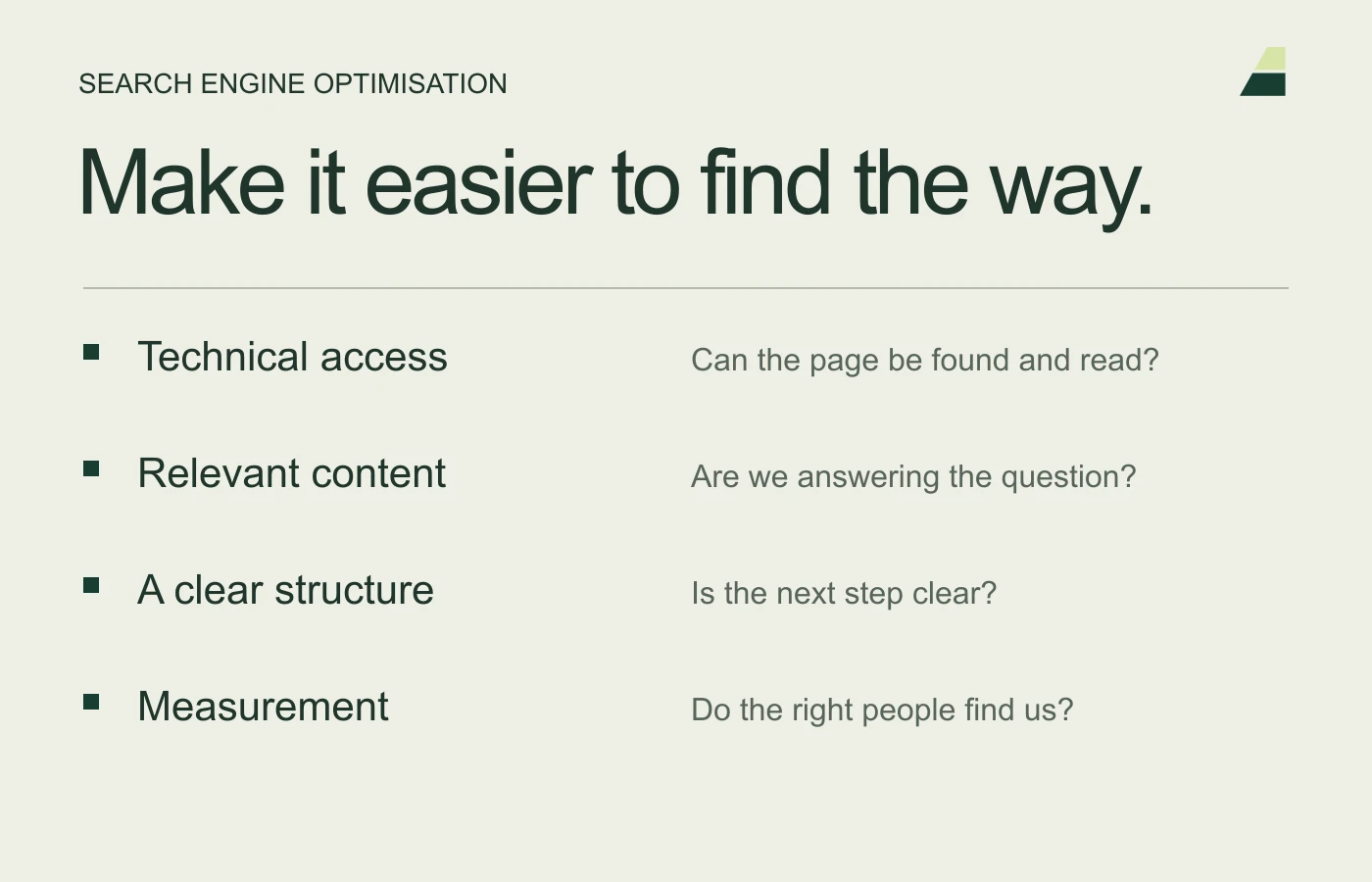
Choose an important service or article page before you begin. Read it as a customer arriving directly from search. Can you understand the offer, find the answer and move forward without searching around? This is a useful starting point for a practical SEO review.
These five checks create a manageable task list. They replace old rules of thumb about fixed character limits and keyword density.
1. Does the title describe the page accurately?
Look at both the page title and main heading. Use familiar words and make the topic clear. Every important page should have a descriptive title matching its content.
Google explains title links and can draw search-result text from several sources. No character count guarantees an exact display. Also assess whether the meta description summarises the page accurately; Google may show another snippet.
2. Does the content address the actual task?
Check whether customers learn what the service includes, whom it suits and what the next step involves. An article should answer its main question early, then add useful explanation.
Remove or correct outdated prices, dates and platform instructions. Use subheadings that describe the content. Do not fill pages with repeated keywords where a natural explanation works better.
3. Do the images help the reader?
Use relevant images and explanatory captions when they add information. Give informative images alt text describing their function or content. Do not fill decorative images with keywords.
Google’s image guidance covers topics including image discovery and responsive formats. Also check file sizes and mobile crops. An image of an old interface must not be presented as current instructions.
4. Do links and addresses work?
Try relevant internal links and contact points. Link directly to the final page, not through several old URLs. Avoid changing an established URL merely to make it prettier.
If a move is necessary, use a permanent redirect to the closest relevant replacement. Google recommends permanent redirects for permanent moves. Update internal links and the sitemap as well.
5. Can the page be found and used?
Check that the page responds normally, has the right canonical and is not accidentally blocked or marked noindex. Use Search Console to investigate how Google sees the page.
Then test mobile use, navigation and forms yourself. A technically indexable page may still be difficult to use. Check buttons, fields and error messages before considering the work complete.
Record the change and assess its effect
Log what changed and when. Review relevant queries, clicks and enquiries over a suitable period. Separate the change from seasonality and other campaigns. A small fluctuation immediately after publication does not establish cause.
Read The SEO guide for priorities across the whole website.